AI dubbing lets you publish one video in many languages without recording every voiceover from scratch. Instead of manually managing translation, narration, and sync, you can run a streamlined workflow that saves days of production time.
What Is AI Dubbing?
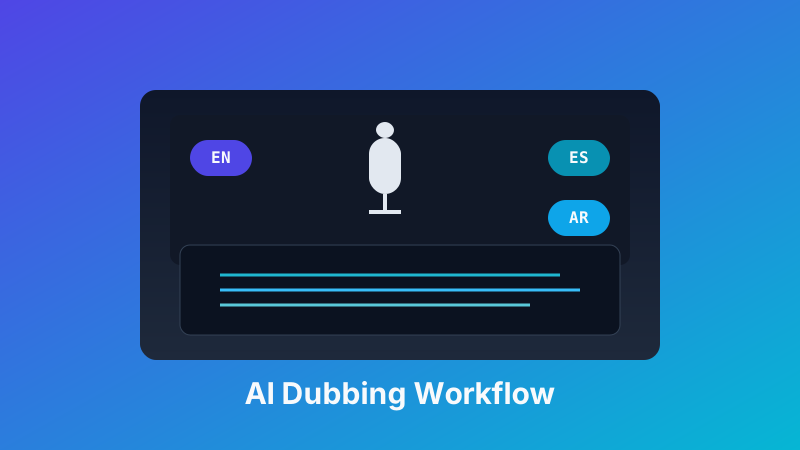
AI dubbing translates your source script, generates natural-sounding voice tracks in target languages, and aligns those tracks to your original timeline. If you're looking for a hands-on tool, check out our video dubbing feature.
- Input: Video file + source language audio
- Process: Transcription, translation, voice synthesis, and timing alignment
- Output: New dubbed audio tracks (or fully rendered videos) per language
When to Use Dubbing Instead of Subtitles
Dubbing is usually the better choice when:
- Your audience watches on mobile with sound on
- You need a more native, premium viewing experience
- Your content has dense explanations that are hard to read quickly
- You want stronger engagement and watch-time in international markets
Step-by-Step AI Dubbing Workflow
Step 1: Prepare a Clean Source
Use clear audio with minimal background noise. If possible, provide a transcript to improve translation accuracy and pronunciation.
Step 2: Choose Target Languages and Voice Style
Pick your languages first, then choose voices that match your brand tone (professional, casual, energetic, etc.). Keep one consistent voice persona per language for series content.
Step 3: Translate with Context
Translate with an engine that supports context and terminology. For product names, technical terms, or brand phrases, use a glossary so key wording stays consistent across episodes.
Step 4: Generate Dubbed Audio
Create voice tracks for each target language. Review pronunciation for names, locations, and domain-specific terms before final export.
Step 5: Align Timing and Lip Rhythm
Adjust pacing so the dubbed speech lands naturally with scene changes and speaker turns. Perfect lip sync is not always required, but timing should feel intentional and smooth.
Step 6: QA Before Publishing
Run through a final quality checklist before you ship each language version.
- Check translation meaning against the original
- Listen for mispronounced words or robotic phrasing
- Validate background music and voice level balance
- Test final output on mobile and desktop
Quick Quality Checklist
- Terminology consistency in every language
- Natural pacing with no abrupt cuts
- Correct pronunciation of names and brands
- Stable loudness across scenes
- Cultural adaptation for idioms and humor
Common Mistakes to Avoid
- Skipping human review on high-impact videos
- Using one generic voice for every content type
- Ignoring terminology control for technical content
- Publishing without device testing for real-world playback
Conclusion
AI dubbing is one of the fastest ways to localize video content for global growth. With the right workflow, you can launch multilingual voiceovers quickly while keeping quality high and messaging consistent. If your videos need subtitles instead of (or alongside) dubbing, see our guide on how to translate SRT subtitle files.